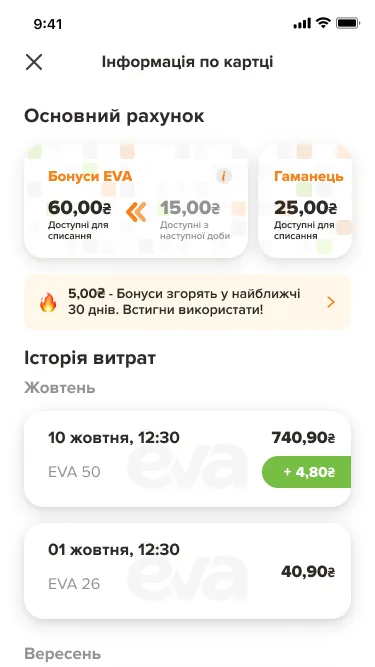
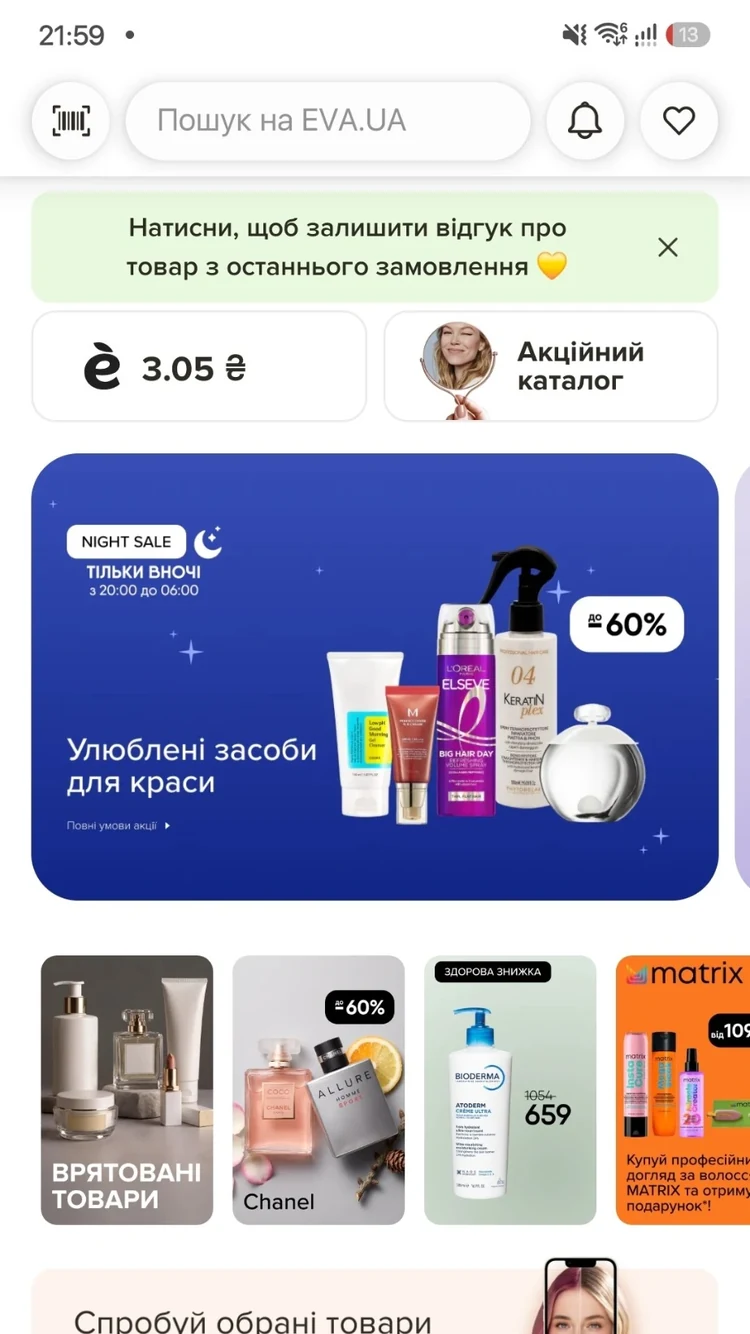
A loyalty card, no online orders
>50%of EVA’s online orders
The problem
The EVA app was a loyalty card: bonuses, coupons and the history of purchases in stores. You could not buy anything in it; for that you went to the site or a store. The job was to build the EVA.UA shop into the app so the customer feels no line between the card, the store near home and the online shop.
What changed
-
Two ways to buy, next to your bonuses
The home screen keeps the bonuses, coupons and promotions, and puts two ways in beside them: EVA.UA for delivery and EVA клік to order from the store near home.
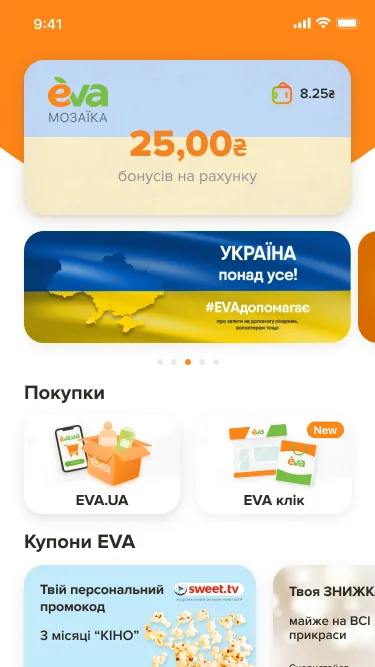
Bonuses on top, the two ways to buy beside them -
The scanner that knows the shelf is empty
In a store the barcode scanner shows the price, stock and discount. If the product is not on the shelf, it offers to buy it online, with separate states for offline, online and mixed cases.
The card and the shop are different products, data and habits; the scanner is where they meet.
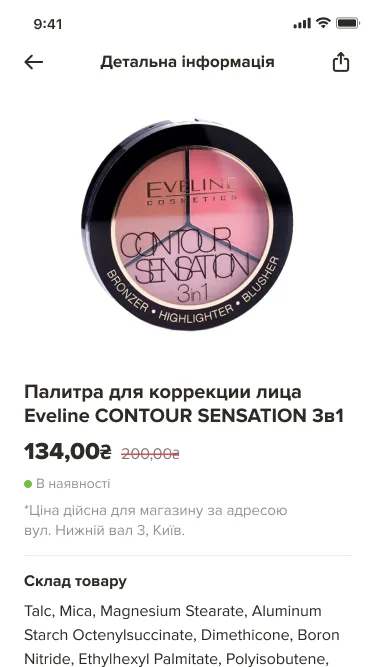
A product in the store: its price there and its stock 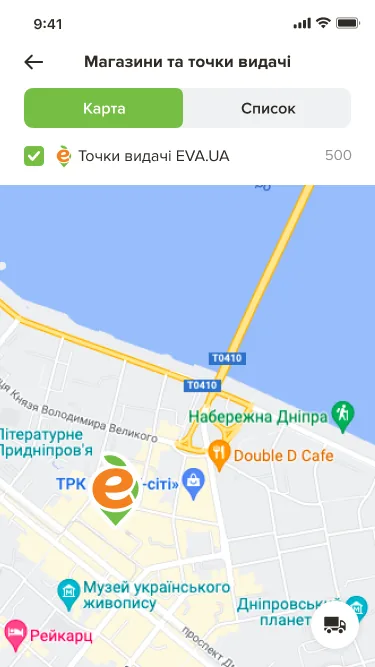
Stores and pickup points on a map -
The whole purchase, priced for your store
Catalogue, listing, product, cart and checkout in the app, with prices for the chosen store; stores and pickup points on a map or as a list; orders with their statuses (accepted, picked, received, incomplete, cancelled). Bonuses are earned and spent the same way in the store, on the site and in the app.
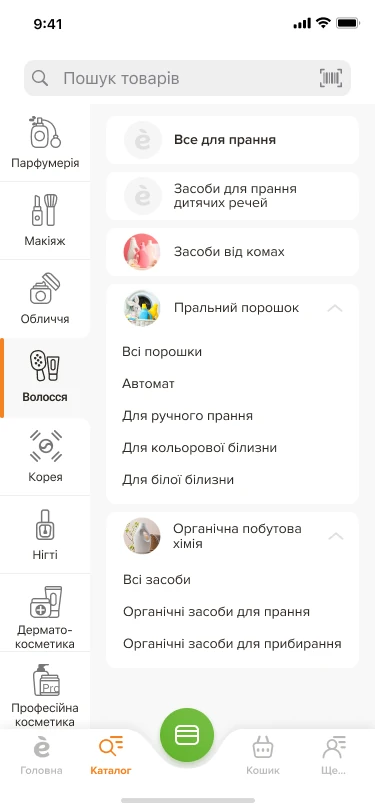
1. The catalogue 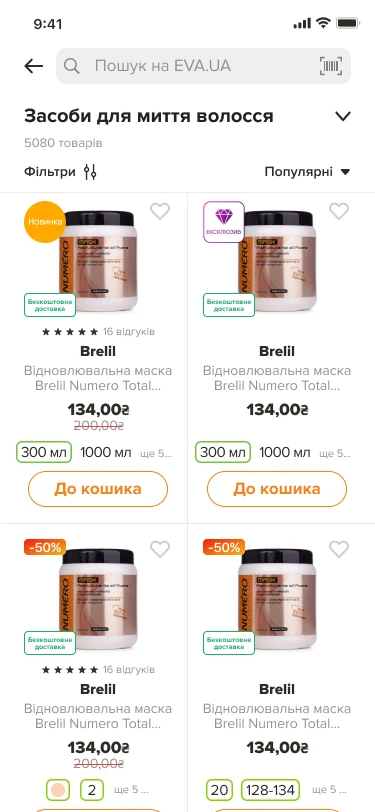
2. The listing 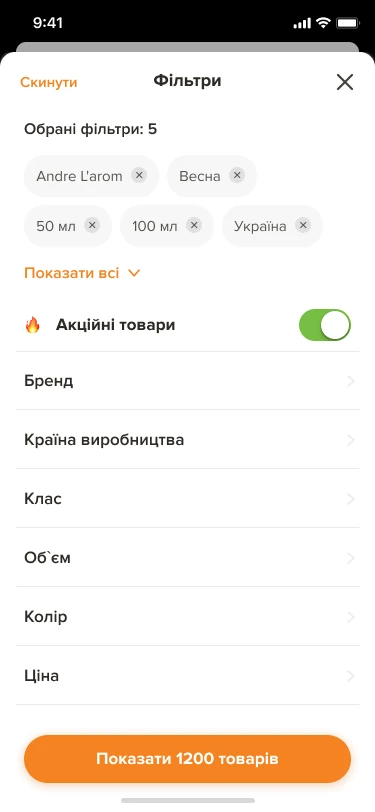
3. Filters 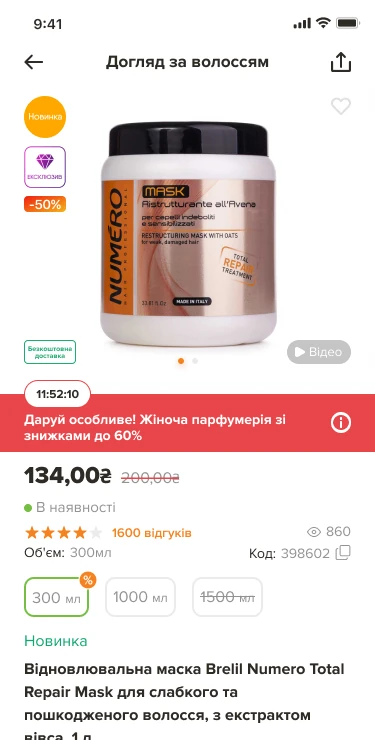
4. The product page
The app today
How it was proved
- Online orders through the app
- From none to more than half
- Product Main v.2, iOS and Android against the web, week of 29 October–4 November 2026.